One editor for everyone who builds with Vue
Designers, developers and AI working on the same code. Vue Play Studio is a visual editor that makes a real Vue project with Git, one you own and can take with you.
Built for Vue 3Runs in the browserFree to startExport your code whenever you like
Made with Vue, for Vue
Every site you make is a Vue 3 project of single-file components and Vue Router: the same code the Vue community writes, ready for any Vue developer to pick up.
Views
The editor arranges itself for how you work
Pick a view and the Studio shows the panels for that job. The project and the code stay the same, so a designer, a developer and an agent can work on one site without handing files back and forth.
Learn
The page above its code, with a tutor that explains what you click.
Design
The page large, with parts to add, words, pictures, style and the look of the site.
Animate
A timeline under the page and keyframes that play when the page opens or as it scrolls into view.
Develop
The code beside the page, with the files, Git and packages.
Backend
Connect the site to data and services: sources, bindings, logic and files.
Agent
The AI chat beside the page. Ask for a change, watch it happen, check it in Git.
Content
For clients who keep a site up to date: pages, words and pictures, no layout tools.
Everything
Every panel in its usual place, for when you want it all.
Your own
Move, dock and tab any panel, then save the layout as a view of your own.
What is inside
Everything a Vue site needs, in one place
Point at a card to see it lean, and open one for the whole story.
Views
The editor arranges itself for each role: learn, design, animate, develop, backend, agent or content.
Learn
The page above its code, a tutor that explains what you click, and nine tasks that tick themselves.
Design
Insert parts, sections and whole pages, then change words, settings, style, motion and data.
Code
Real Vue code beside the page, with Git, branches, npm packages, GitHub and export.
AI
A free AI chat that makes the change in the editor, and a chat app for your own sites.
Templates
17 whole sites to start from, a library of components, and a marketplace to sell your own.
Publish
One click to go live, your own domain, pages rendered on the server and an SEO score.
Teams
Teams with owners and editors, and projects shared with the people and teams you pick.
Templates
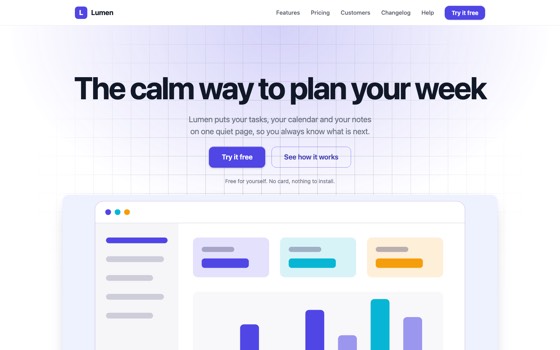
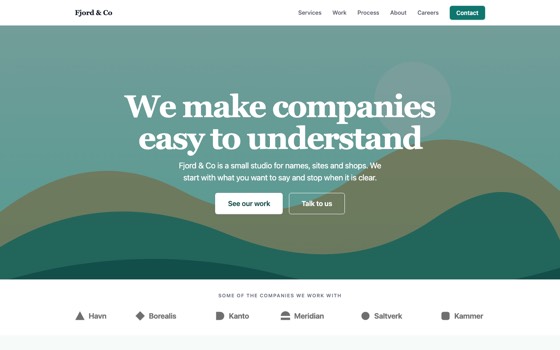
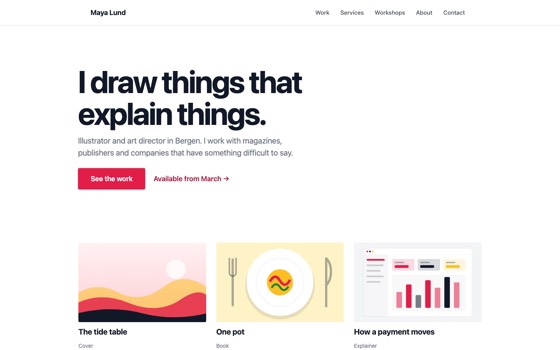
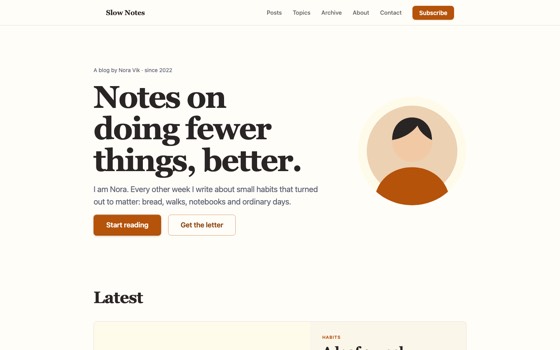
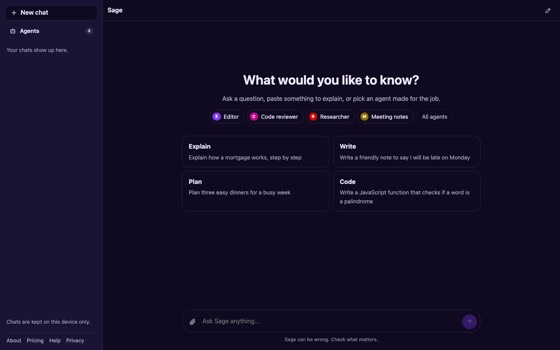
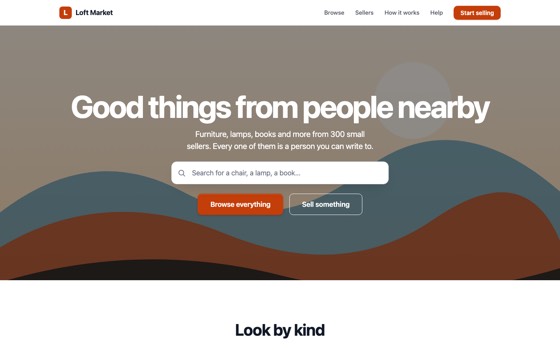
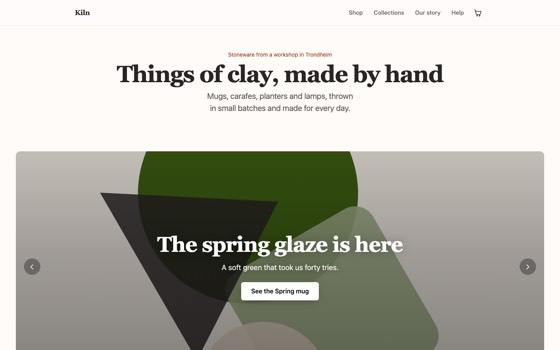
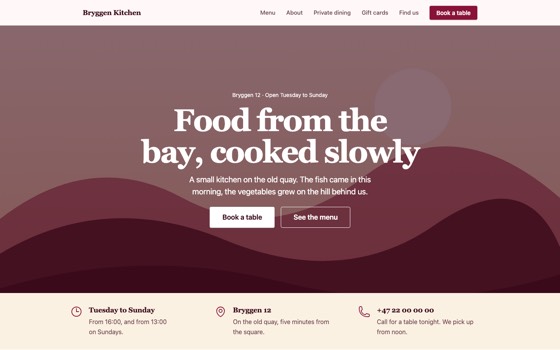
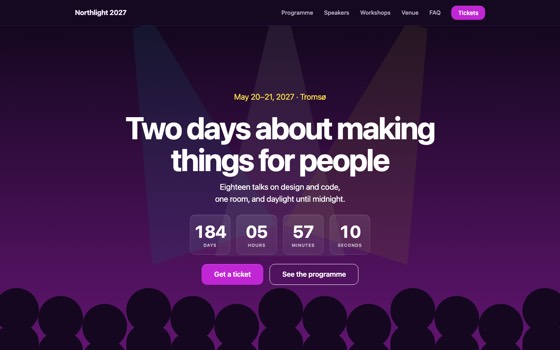
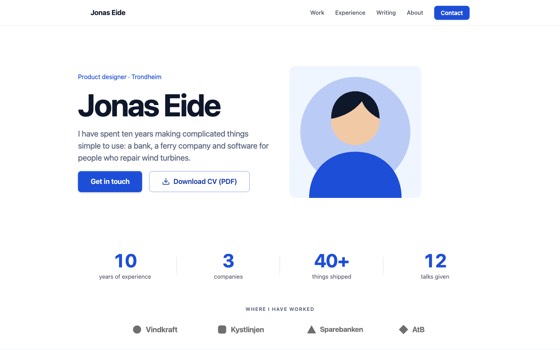
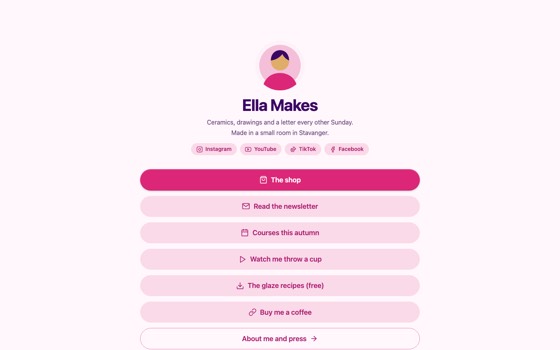
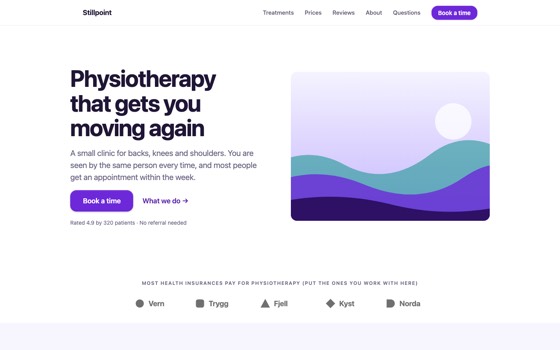
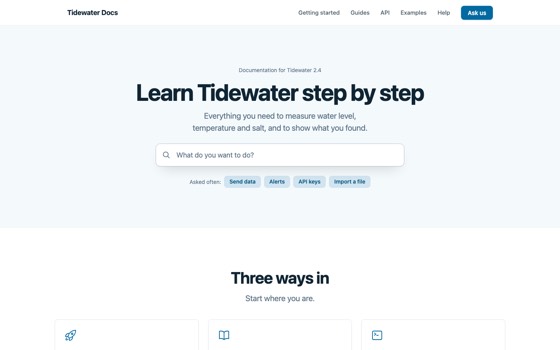
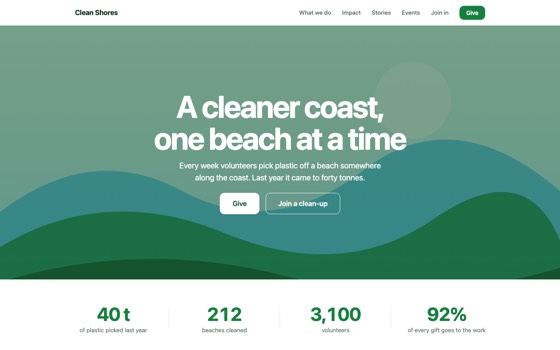
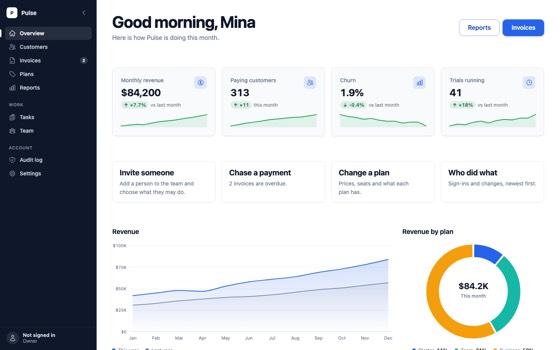
Start from one of 17 templates
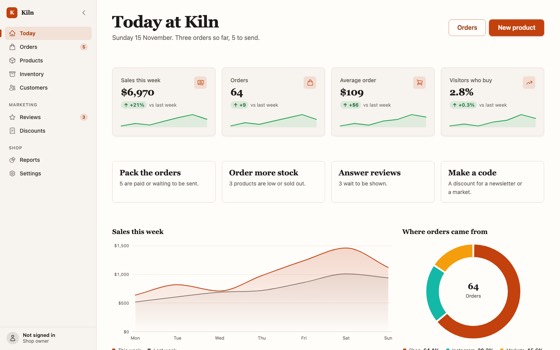
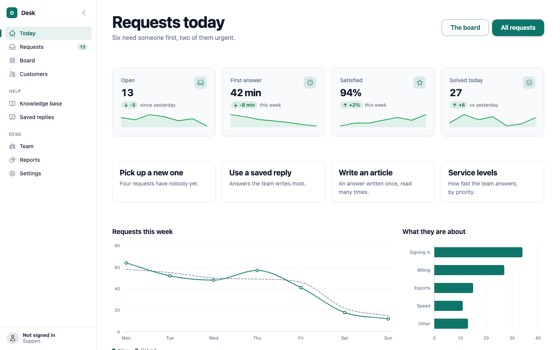
Each one is a whole site with its pages, pictures and look, built from the same components you edit. Pick one and change everything.
New in the library
3D, without writing a line of it
Tilt cards, flip cards, a ring of pictures, a spinning cube, deep 3D text, floating shapes like these and a globe. Drop them on a page and pick their settings. Move your pointer here.
See the 3D componentsQuestions and answers
Build your next Vue site with everyone on it
Designers, developers, learners and AI, in one editor, on real code.